How it works
Free picture to N64 3D model maker: inflate a drawing or build it from voxels
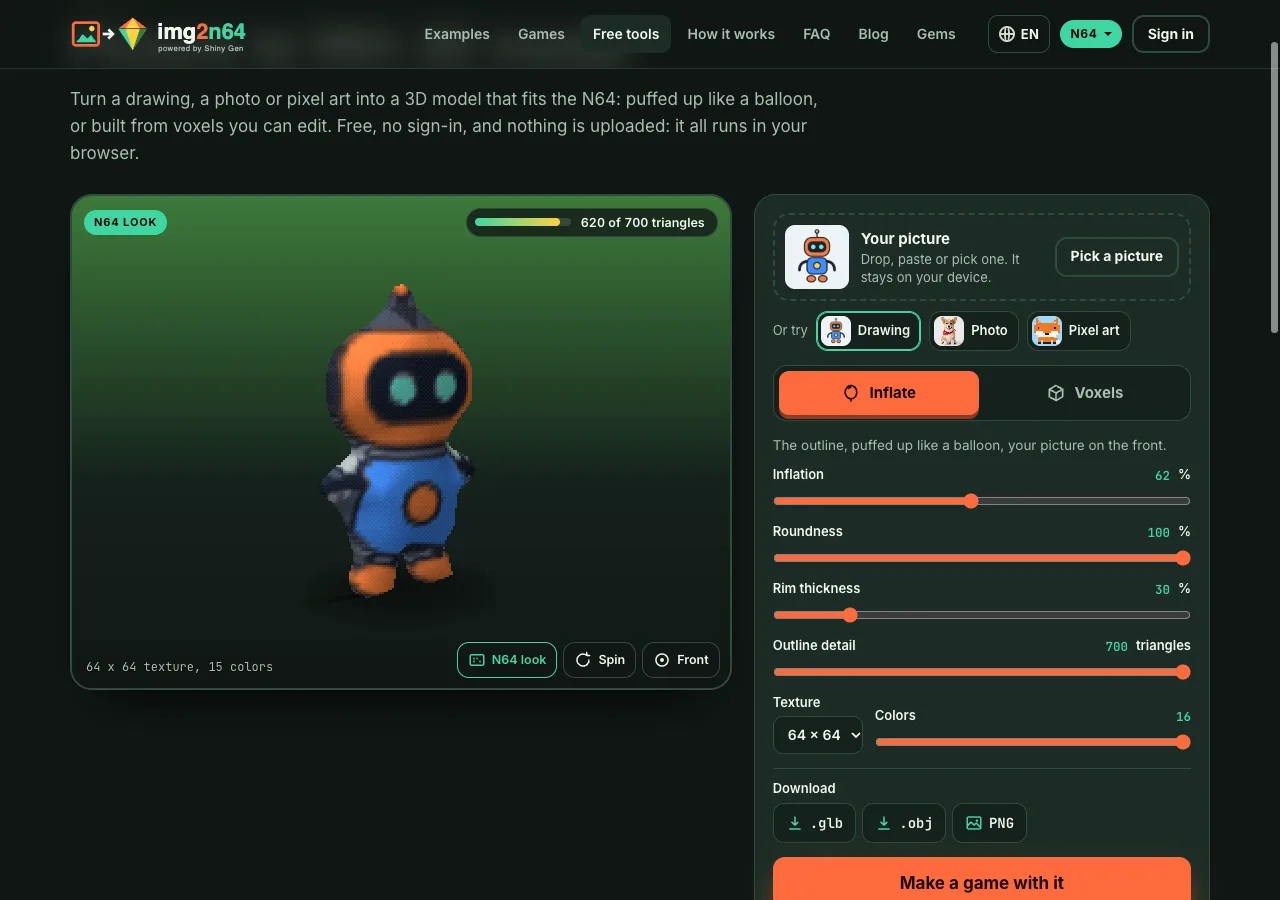
To turn a picture into an N64 3D model for free, open the 3D model maker on img2n64.com, drop in a drawing, a photo or pixel art, and pick Inflate or Voxels. The model appears at once in the N64 look, and a meter shows its triangles against the N64's budget of 700 for one model. Download it as .glb, .obj, .vox or a PNG. There is no account, no gems, and the picture never leaves your browser.
On this page
This post explains what the two modes do, what the N64 allows and why the tool stops where it does, and how to take the result into a game.
What you need
- A browser on a computer or a phone. Nothing to install.
- A picture with one clear subject. A plain or transparent background works best, because the tool cuts the subject out the same way the img2n64 start does.
That is all. The tool also has three samples to try first: a drawing, a photo and a piece of pixel art.
Inflate: the outline puffed up like a balloon
Inflate traces the outline of your subject, smooths its staircase into curves, and lifts the inside by its distance from the edge on a round profile. A thin arm becomes a thin tube and a round body a round body. Your picture goes on the front, and seen through on the back. The result is one closed, lit model.
This is the same code img2n64 uses when a game is made from your picture: the free figure the studio builds runs these steps in the same order with the same numbers. We test that the two agree vertex for vertex on a set of fixed pictures.
The sliders:
- Inflation: how far the inside rises.
- Roundness: 100% is a full round profile, lower is more like a cone.
- Rim thickness: how thick the edge is, so a one-pixel line is still solid.
- Outline detail: the triangle budget the outline is traced at, up to 700.
- Texture and Colors: 64 x 64 in 16 colors, or 32 x 32 with more colors.
Voxels: a little cube for every pixel
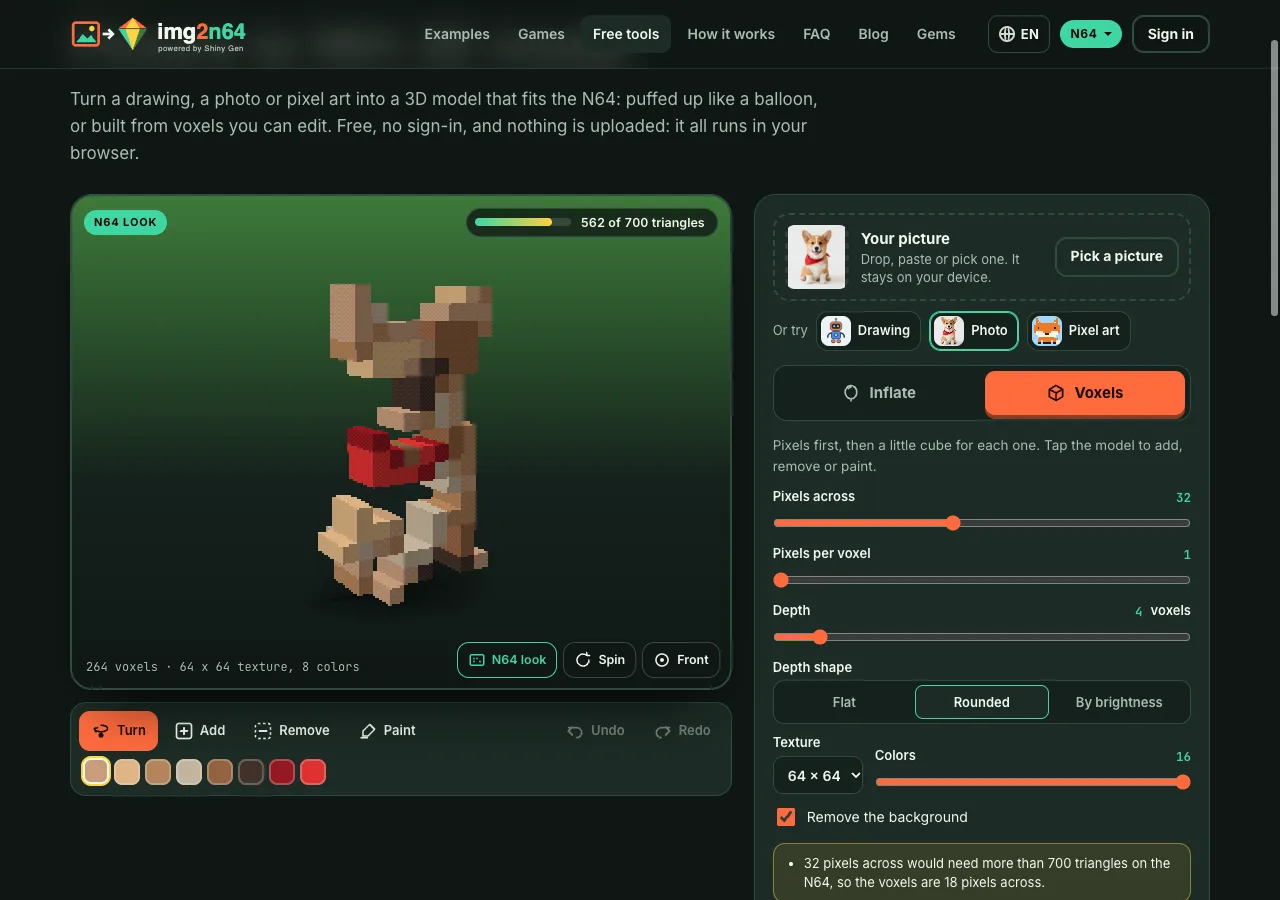
Voxels first turns the picture into pixels with the same fit and color reduction the img2 converters use, then stands a column of cubes on every pixel. Depth shape picks the columns: Flat for a slab, Rounded for the same balloon profile as Inflate, or By brightness for a relief where light pixels stand out.
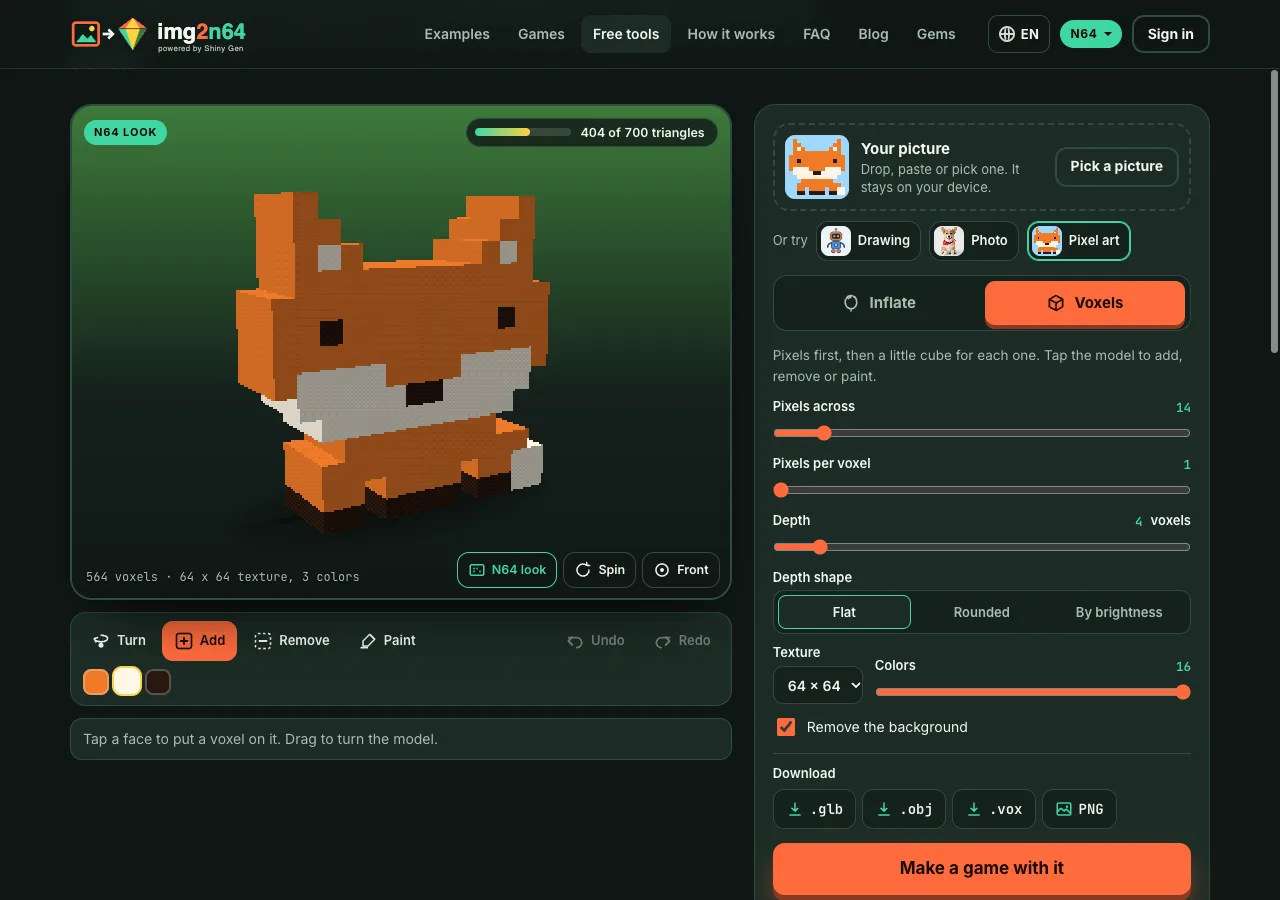
Pixel art is detected and shown one voxel for each pixel of the art, as a flat slab, so a sprite keeps its exact look.
Faces of one color that sit in the same plane are merged into larger rectangles, so the mesh stays light. The edges are then split where another face meets them, so the model has no gaps for the N64's rasterizer to show as cracks.
Editing voxels
Pick Add, Remove or Paint and tap the model. Add puts a cube on the face you tap, Remove takes the one you tap away, Paint gives it the color you picked in the palette. Dragging still turns the model, so it works with a finger as well as a mouse. Undo and Redo step back and forward, also with Ctrl+Z and Ctrl+Shift+Z.
Why the tool stops where it does
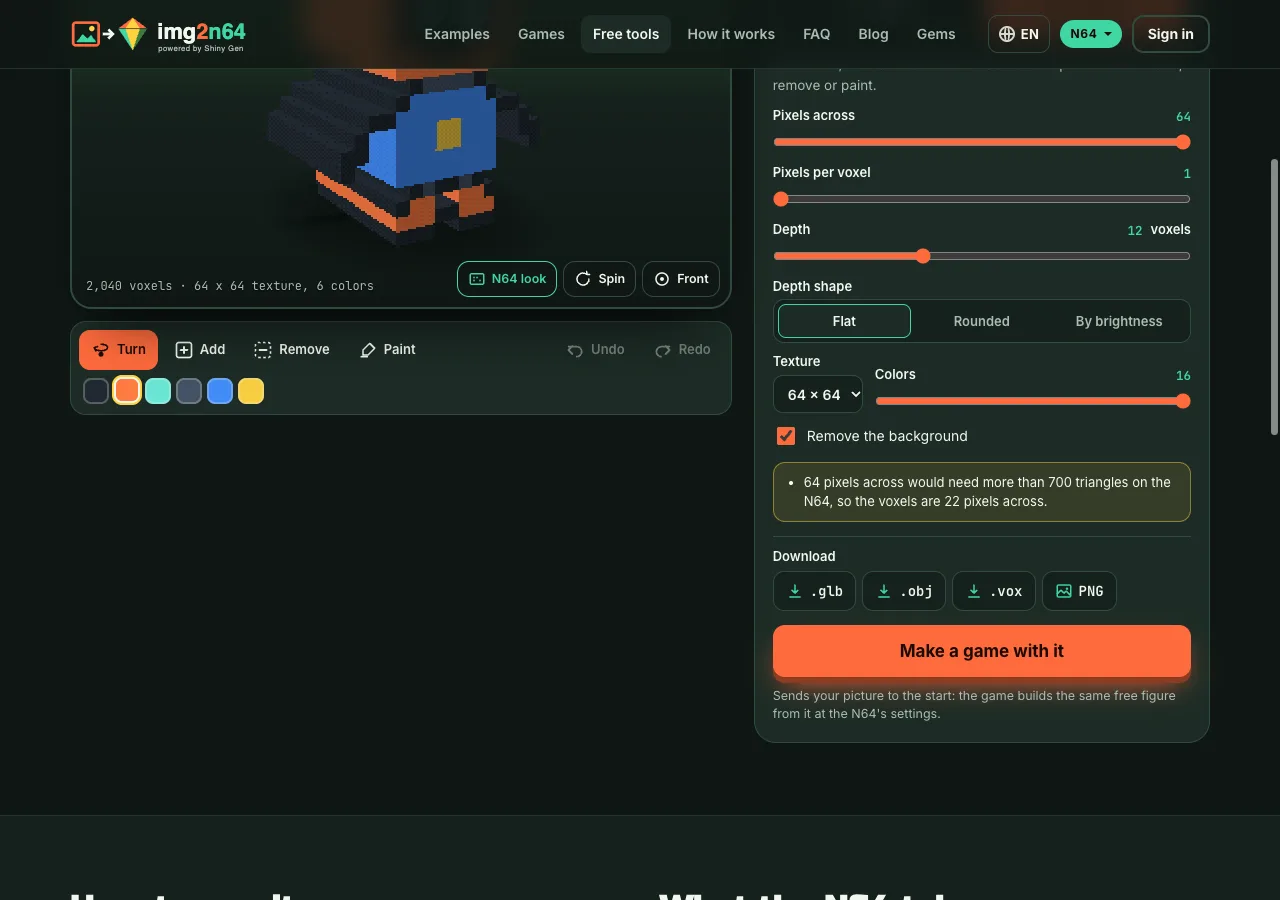
Every setting is held to what the N64 runs, not just warned about. When you push past it, the tool steps the setting back and says why under the controls.
| Limit | What the tool keeps |
|---|---|
| Triangles in one model | 700 at most. Our N64 cartridge builder takes up to 990 a model before it cuts triangles away; 700 leaves room in the frame for a world around the model. |
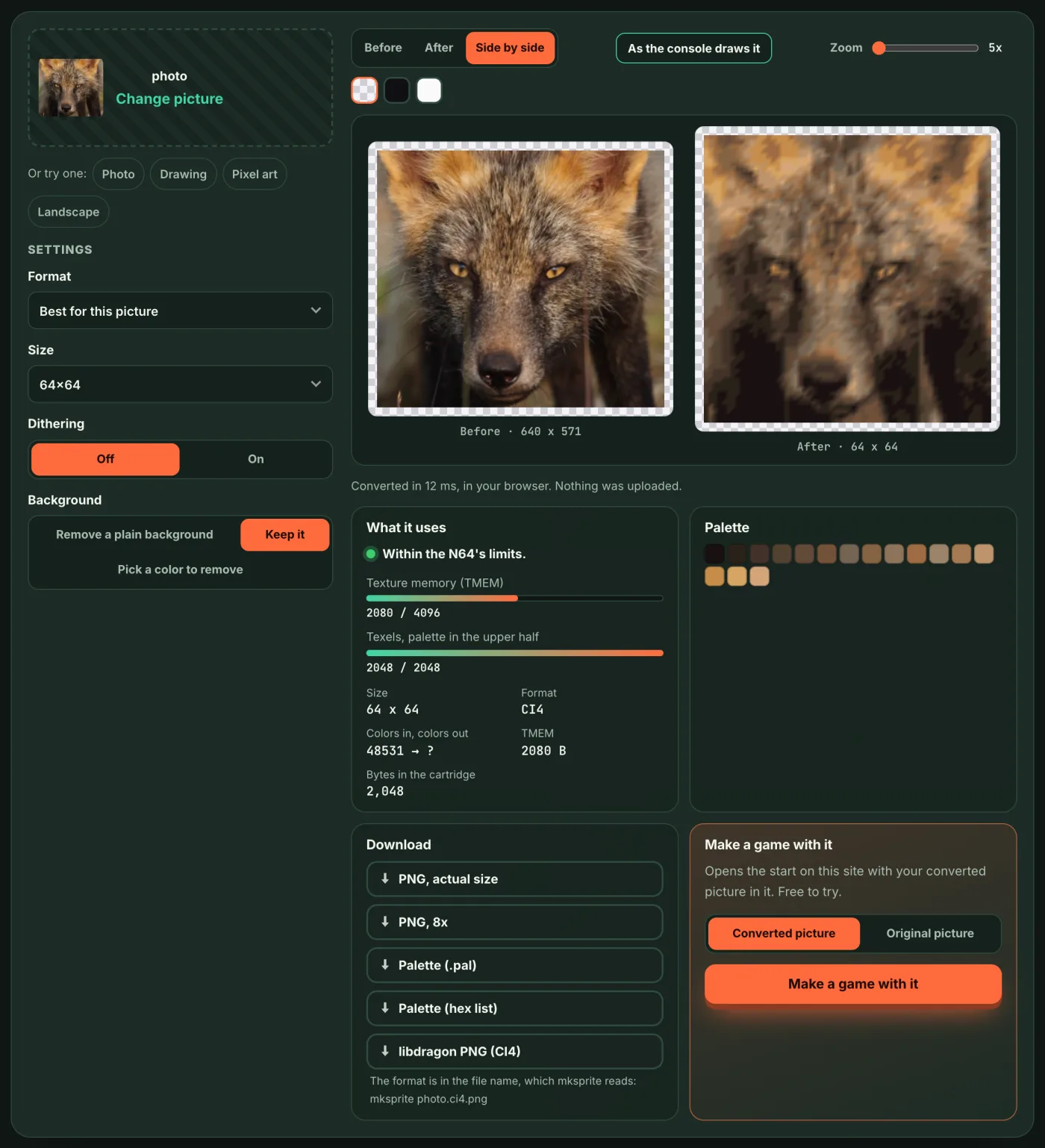
| Texture | 64 x 64 in 16 colors (it fits the 4 KiB texture memory as a 4-bit palette texture), or 32 x 32 in more colors. |
| Colors | 5 bits a channel, as the N64 stores them. |
So what you download goes into an N64 game as it is. We check that by putting the tool's own downloaded models through the img2n64 cartridge builder: every triangle stays, and the texture arrives as a 64 x 64, 16-color texture using 2,080 bytes of texture memory.
The N64 look
The viewer draws the model at 320 x 240 with square pixels, the N64's three-point texture filter and a dithered 16-bit picture, the way the console shows it. N64 look turns that off for a smooth view. Spin and Front control the turntable; drag to turn, pinch or scroll to zoom.
Downloads
- .glb: one file with the texture inside. Opens in Blender, game engines and 3D viewers.
- .obj: a zip with the .obj, its .mtl and the texture PNG.
- .vox: for MagicaVoxel (voxel models only).
- PNG: a picture of the model in the N64 look, four times its size.
The model is about one meter tall, standing on the ground and facing forward, the same way the img2n64 studio places a model.
Make a game with it
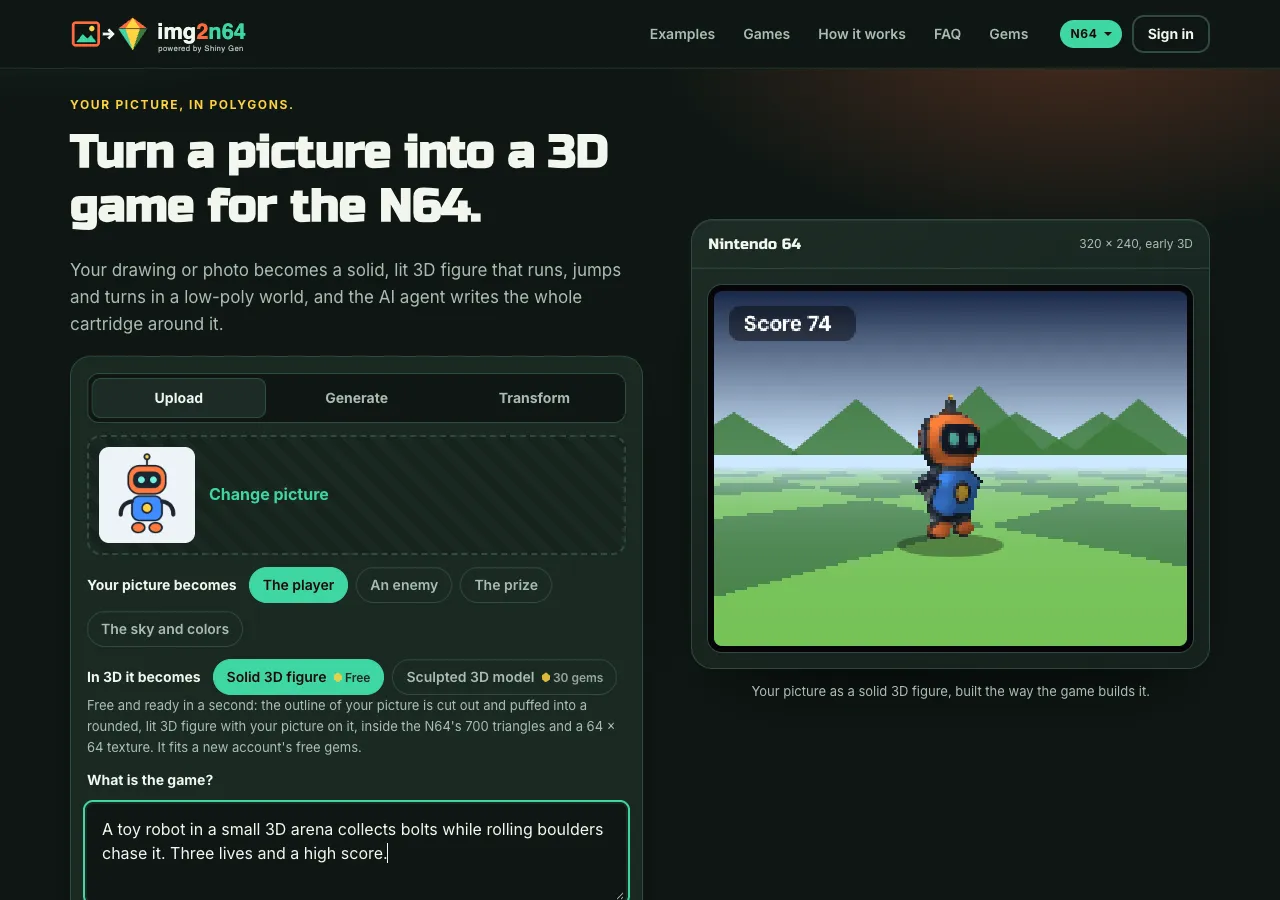
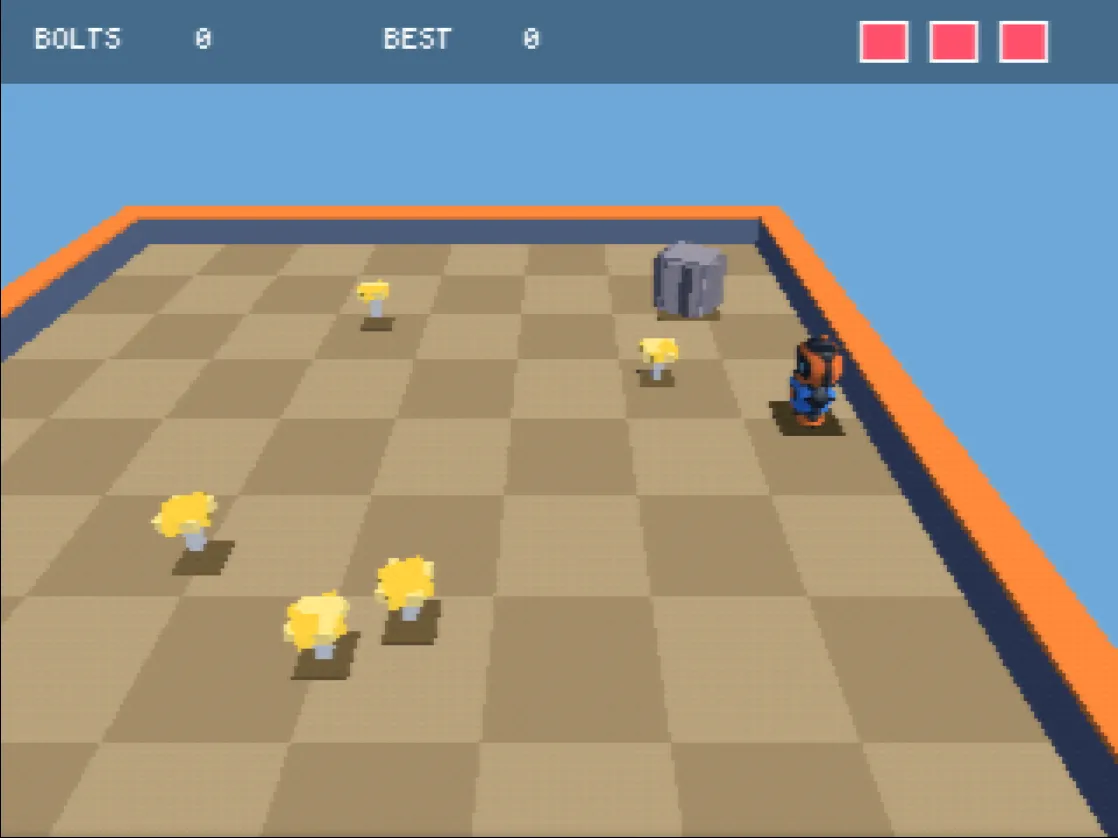
Make a game with it takes your picture to the start on img2n64.com. In the game, the picture becomes the same free inflated figure at the N64's settings, and an AI agent builds a 3D cartridge around it. The changes you made in the tool, and voxel models, stay in your download: the studio builds the figure from the picture itself. The how-to for N64 games covers that part step by step.
FAQ
Is the 3D model maker free?
Yes. No account, no gems and no watermark, and the picture is never uploaded.
Does it work on a phone?
Yes. Drag with one finger to turn the model, pinch to zoom, and tap with a voxel tool to edit.
Why is my photo a flat rectangle?
The background was not plain enough to cut out. Try a photo of the subject on a plain wall or table, or a picture with a transparent background.
Can I use the model outside img2n64?
Yes. The .glb and .obj open in any 3D program, and the .vox in MagicaVoxel. They are yours.
Which is better for a game, Inflate or Voxels?
Inflate keeps your picture's full detail on a smooth body. Voxels gives a blocky look you can edit cube by cube. Both stay inside the N64's 700 triangles.
Further reading
Last updated: November 17, 2026