How it works
How to turn a picture into an N64 game (photo or drawing to a 3D cartridge)
To turn a picture into an N64 game, open img2n64.com, drop a photo or drawing with one clear subject, choose what it becomes (the player, an enemy, the prize, or the sky and colors), and write a sentence about the game. Press Make my N64 game: the studio opens on the same site, your picture becomes a solid, lit 3D figure inside the N64's limits, and an AI agent writes, compiles and plays a 3D cartridge around it. The figure costs no gems, and a first game took about ten gems in our test sessions.
Also in: Español · Deutsch · Français · Português · Italiano · Nederlands · Svenska · Norsk · Bahasa Indonesia · Türkçe · Polski · Tiếng Việt · Русский · 日本語 · 한국어 · 繁體中文
On this page
This page walks through each step, what you get at the end, what the console allows, and the questions people ask most.
What you need
- A browser on a phone or a computer. Nothing to install.
- A picture: a drawing, a photo of a toy or a pet, a mascot, a doodle. One subject, seen from the front, on a plain background works best.
- A Shiny Gen account, which you make on img2n64.com itself with email, Google or Apple. A new account starts with 30 free gems and free agent turns.
Step 1: Get a picture onto the page
The start card has three tabs.
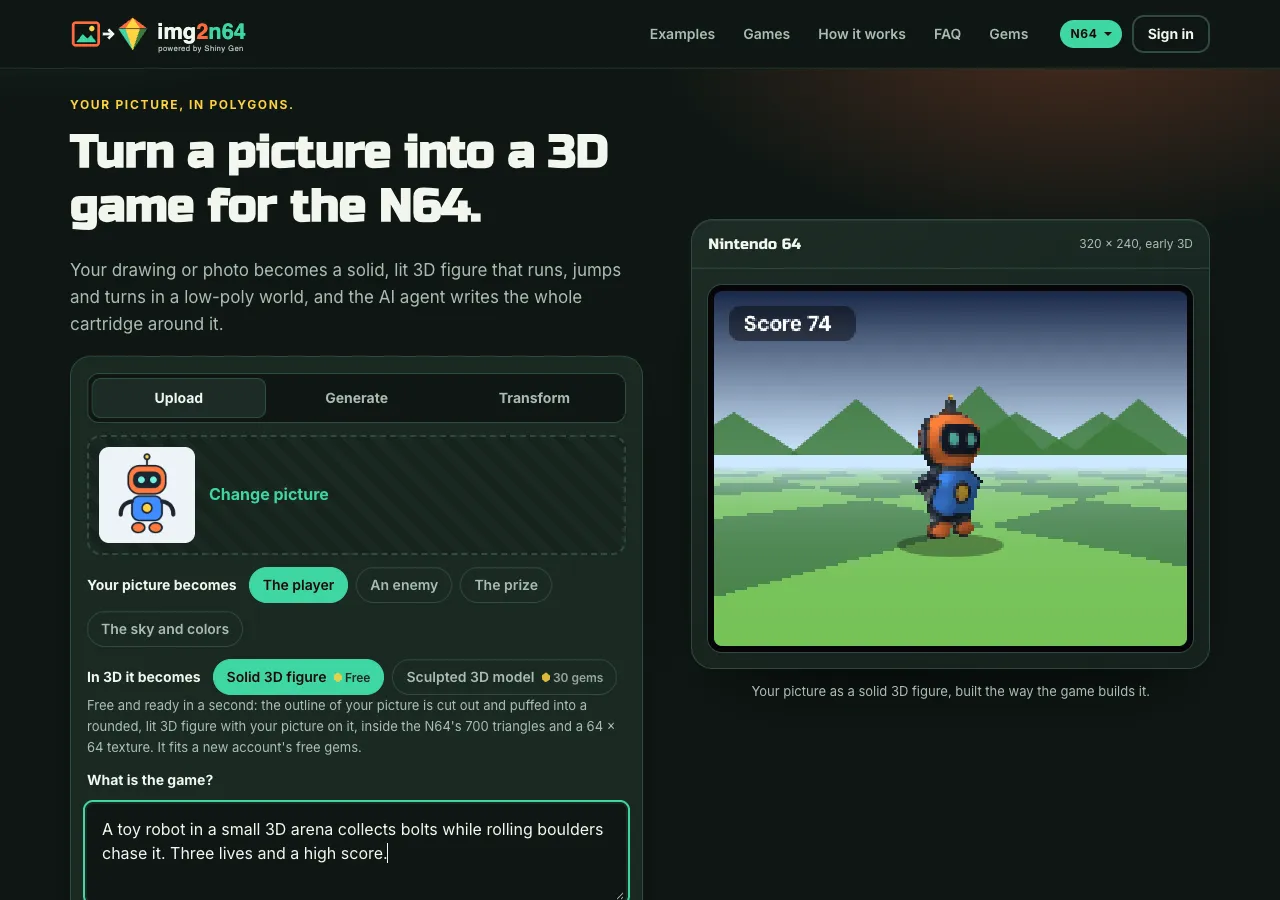
- Upload. Drop, pick or paste a PNG, JPG or WebP. If the border of your picture is plain, the page cuts the subject out itself and sends the agent a transparent picture, so no gems go on background removal.
- Generate. No picture yet? Describe one ("a chunky toy robot with round eyes, bright colors") and pick Detailed (8 gems) or Fast (2 gems). For a character, the page asks the image model for one subject, full body, front view, on a plain white background, so the 3D figure comes out clean.
- Transform. Have a picture but want it changed? This is img2img: pick your picture, say what should change ("make it a knight with a red cape"), and choose Best (8 gems) or Fast (7 gems).
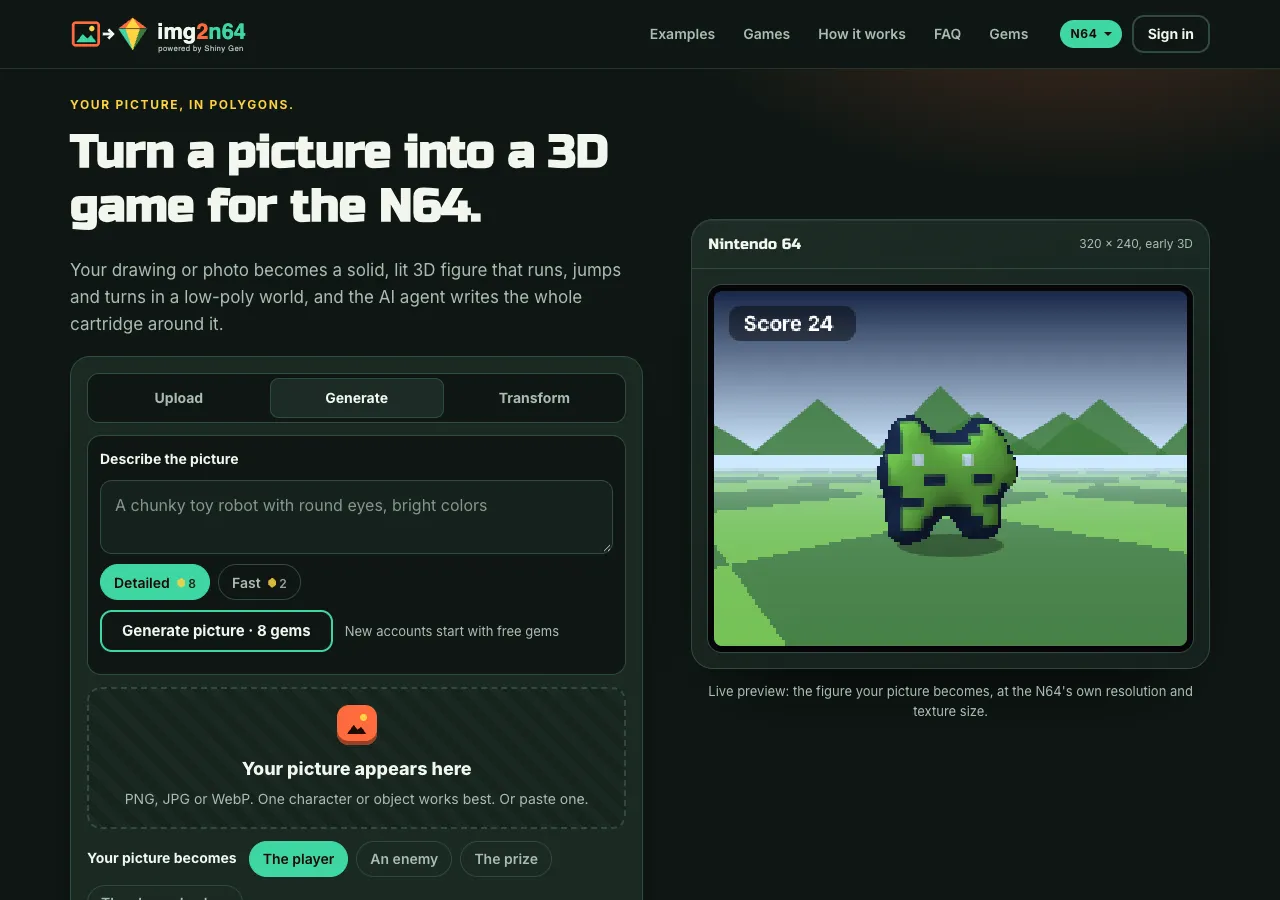
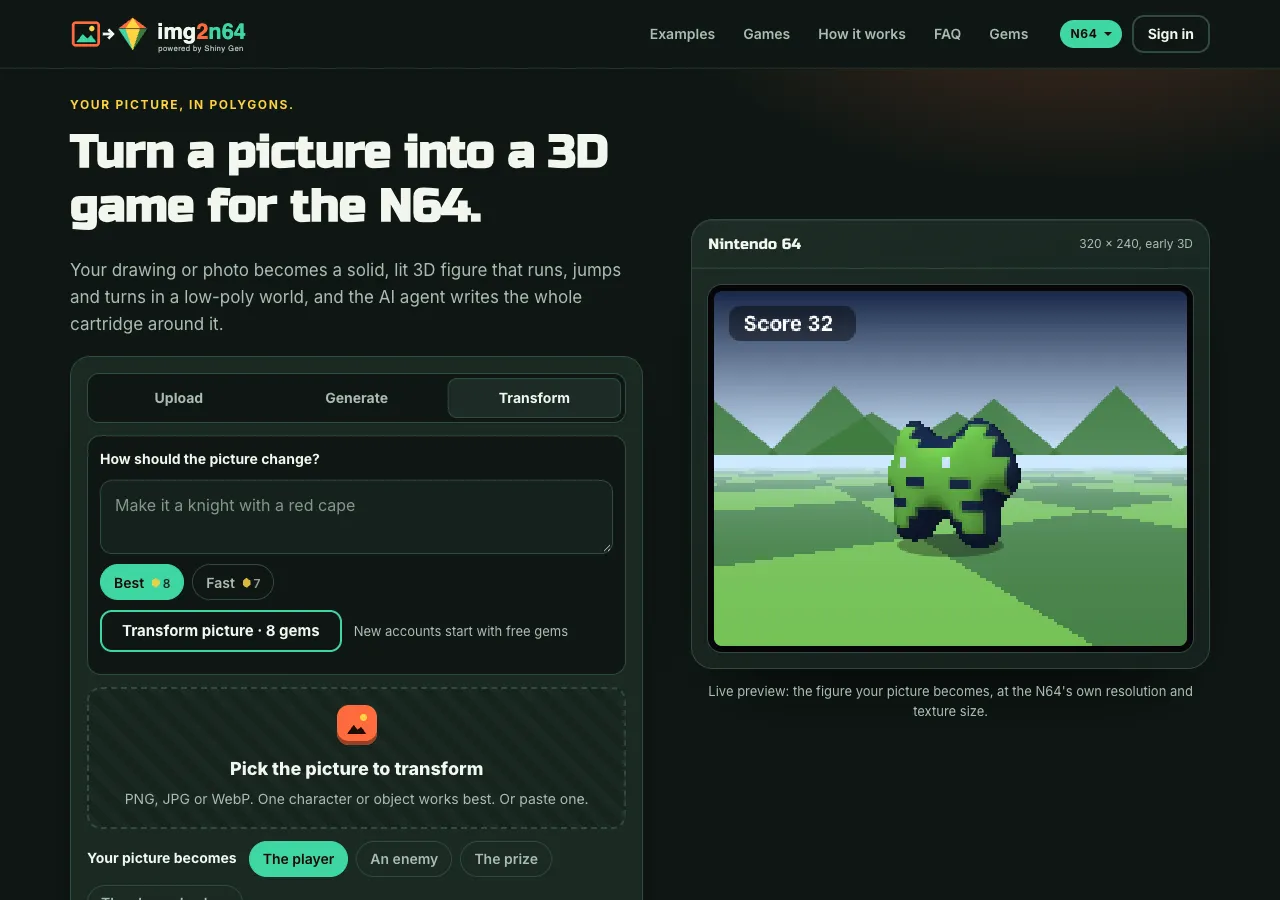
Generated and transformed pictures go through the same preview and cut-out as an upload. Each shows its gem price before it runs and is charged only when it succeeds.
Step 2: Choose what the picture becomes
Your picture becomes sets its role in the game:
- The player: the hero you steer.
- An enemy: what turns toward you and chases you.
- The prize: the thing you collect, small and spinning.
- The sky and colors: the backdrop of the 3D scene, with the ground and level colors taken from your picture.
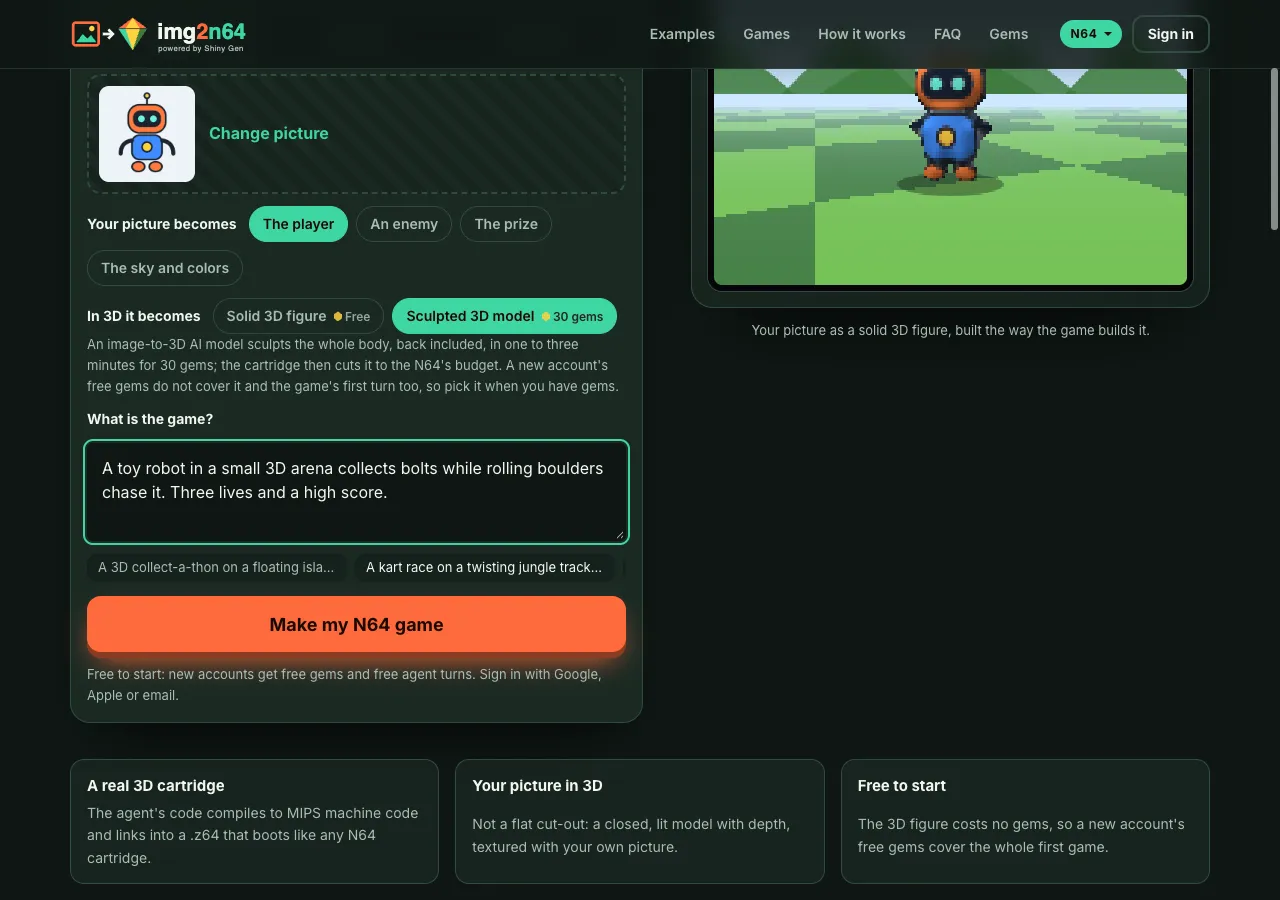
Then In 3D it becomes picks the kind of 3D model:
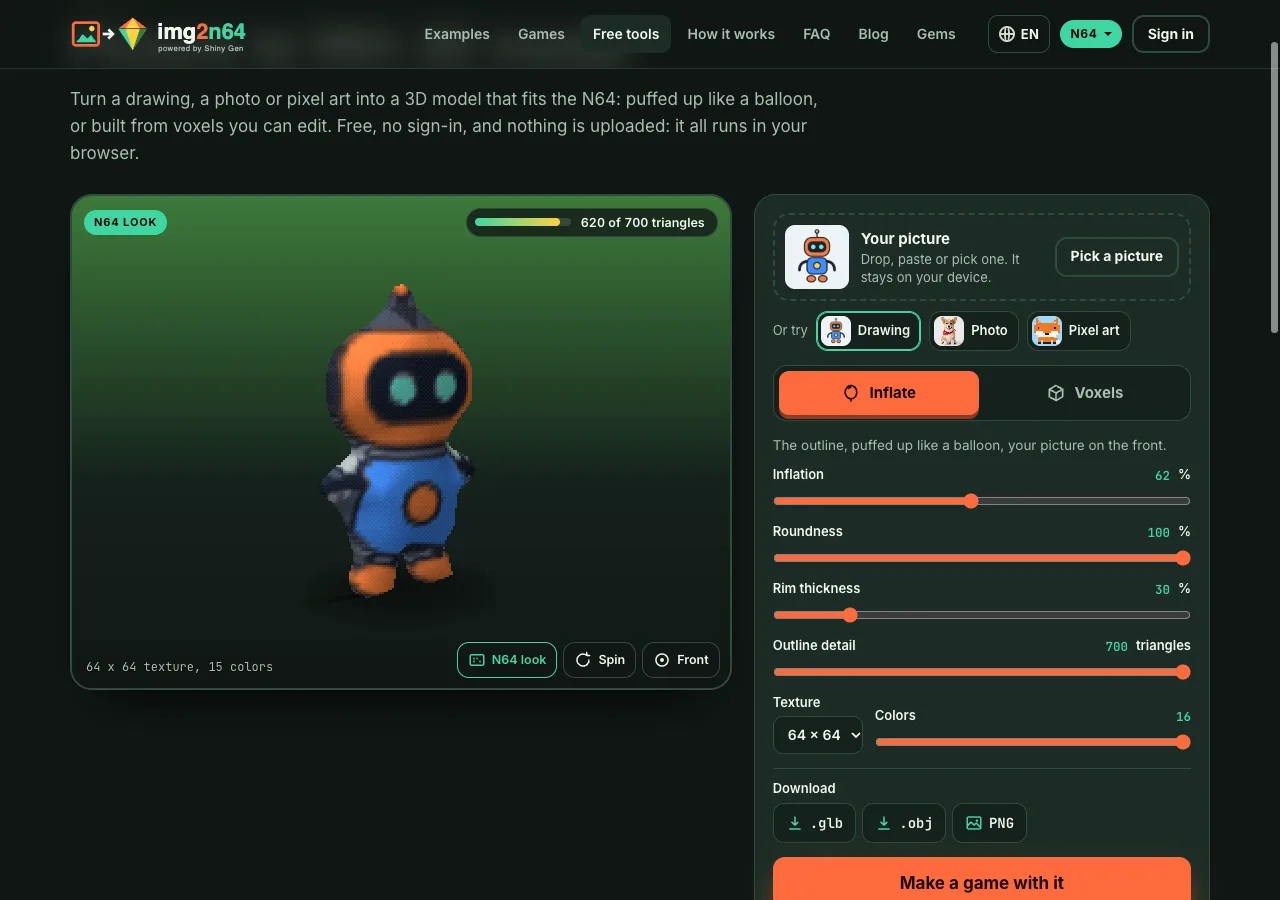
- Solid 3D figure (free). The outline of your picture is cut out and puffed up into a rounded, closed body, and your picture is wrapped onto it. It is built in about a second, stays inside the N64's 700-triangle figure budget with a 64 x 64 texture, and is lit by the game's sun with a shadow under it. The live preview on the right draws this same figure at the console's 320 x 240.
- Sculpted 3D model (30 gems). An image-to-3D AI model sculpts the whole body, back and sides included, in one to three minutes, and the cartridge then cuts it down to the N64's budget. A new account's free gems do not cover this and the first game turn together, so it is the choice for when you have gems.
Step 3: Say what the game is
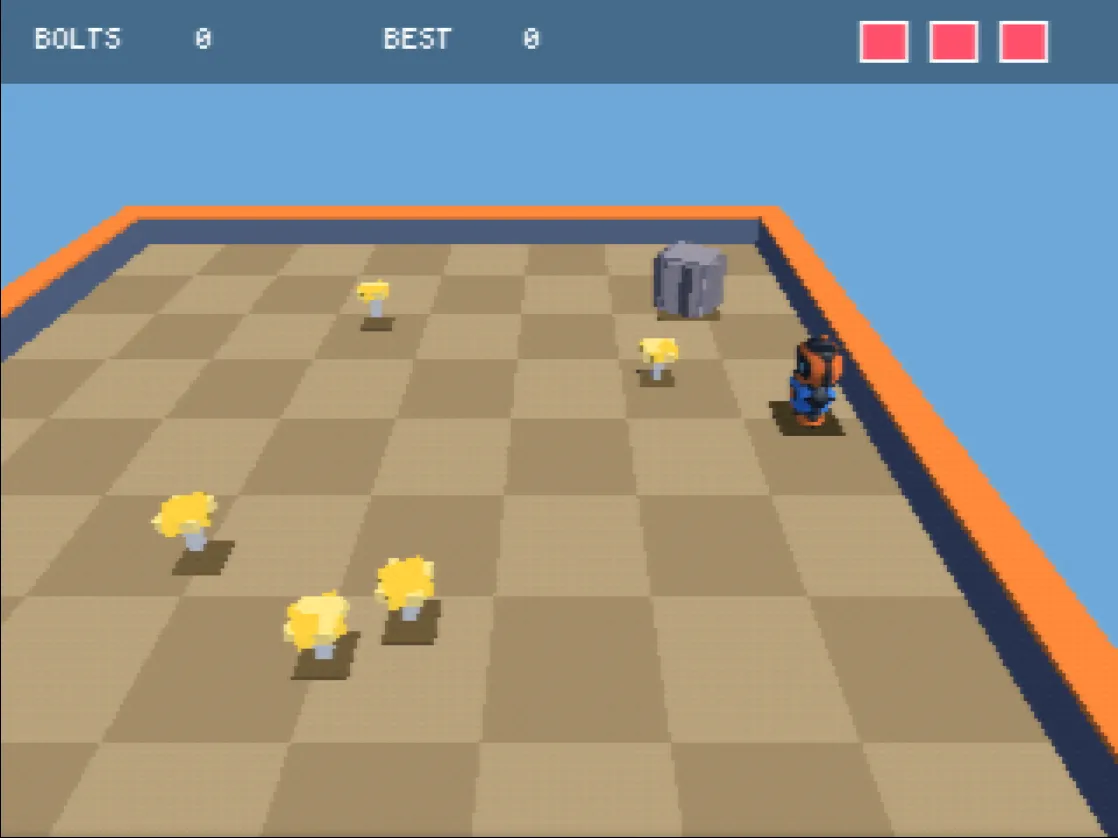
In What is the game? write one or two sentences: where it happens, what the player does, what stands in the way, and how you win or lose. For example: "A toy robot in a small 3D arena collects bolts while rolling boulders chase it. Three lives and a high score."
The N64 has one analog stick, so chunky 3D works best: an arena, a small island, a race track, a mini golf course. Under the box are ideas to start from, such as a collect-a-thon on a floating island or a kart race on a jungle track.
Step 4: Watch the agent build it
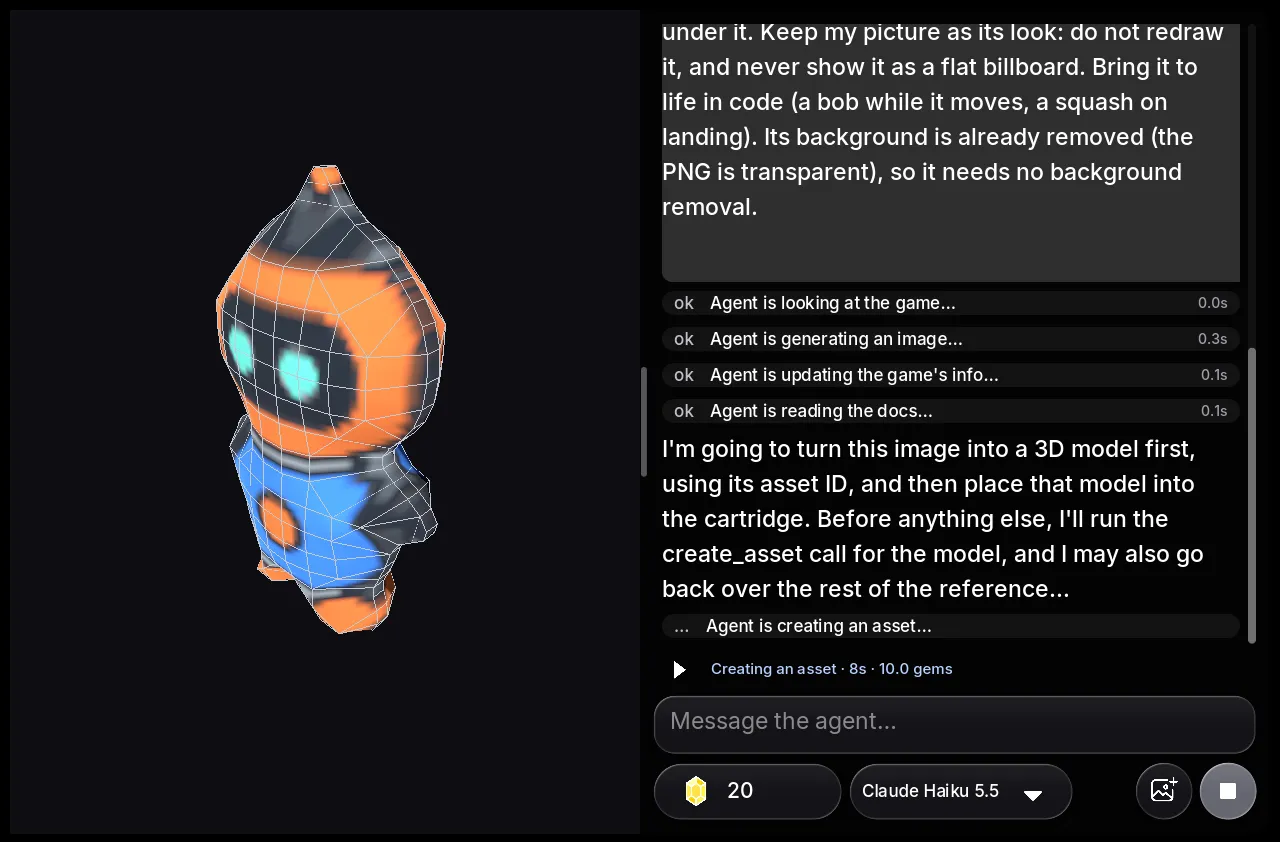
Press Make my N64 game. If you are not signed in, the sign-in opens on the page while the engine downloads in the background. Then the studio opens on img2n64.com with a new N64 game, and your words and picture go to the agent as its first message, with a line from the site that tells it how to use the picture: import it, make the 3D figure, put it in the cartridge as the hero's mesh, light it, and never flatten it into a cardboard cut-out.
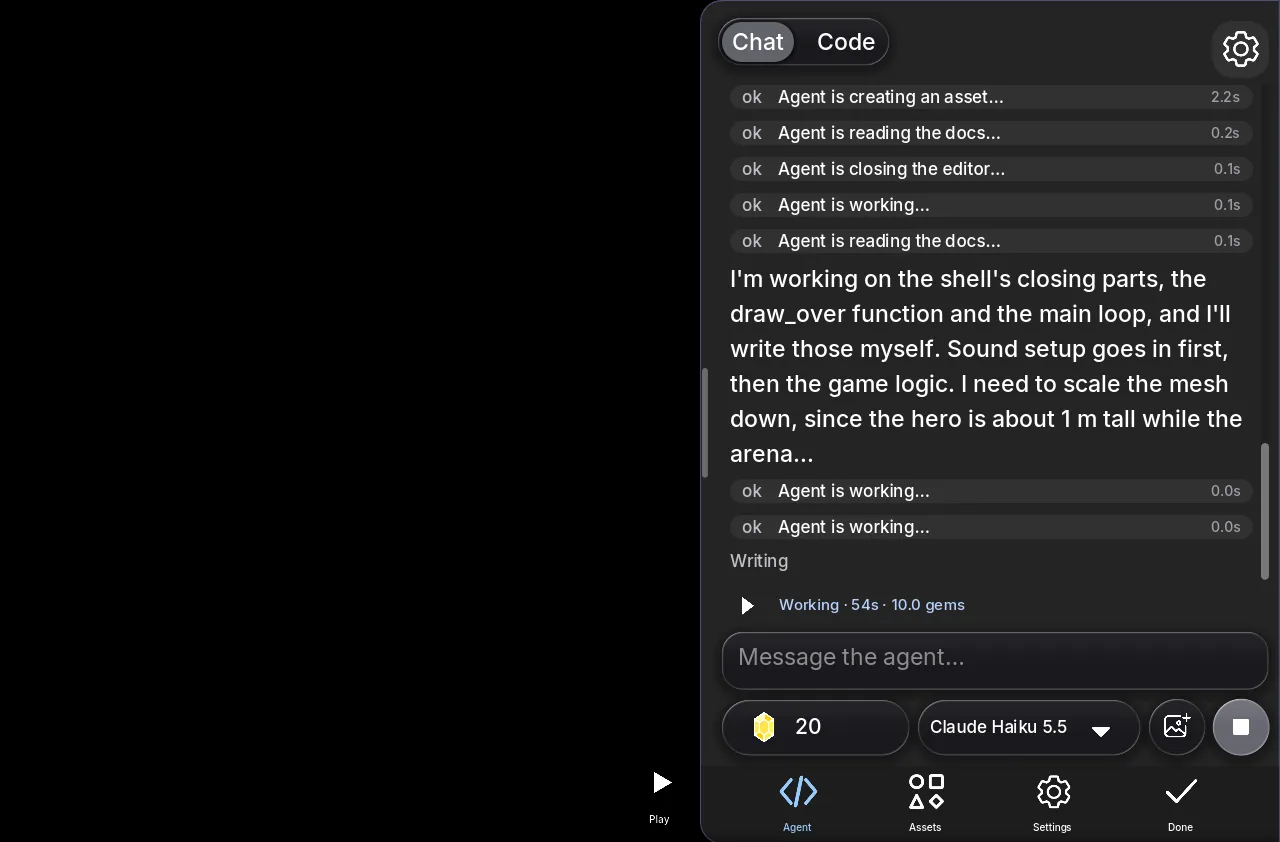
From there the agent works on its own. It reads the N64 engine's reference, writes the game in main.sg64 (a small C-like language), compiles it to MIPS machine code, and links a .z64 cartridge. Then it plays its own build: it steps frames, presses buttons, takes screenshots of the 320 x 240 screen and reads the frame cost, and it fixes what it sees. In our toy robot session, the first build drew the robot at zero triangles because the model was the wrong scale for the arena; the agent saw it in the screenshot and fixed the scale. That run took 2 minutes 39 seconds and 10 gems. The whole story is in the toy robot example.
Step 5: Play it, then ask for more
When the agent finishes, press Play. On a computer the arrow keys are the stick; on a phone there are on-screen controls. Your figure turns to face where it moves and casts a shadow.
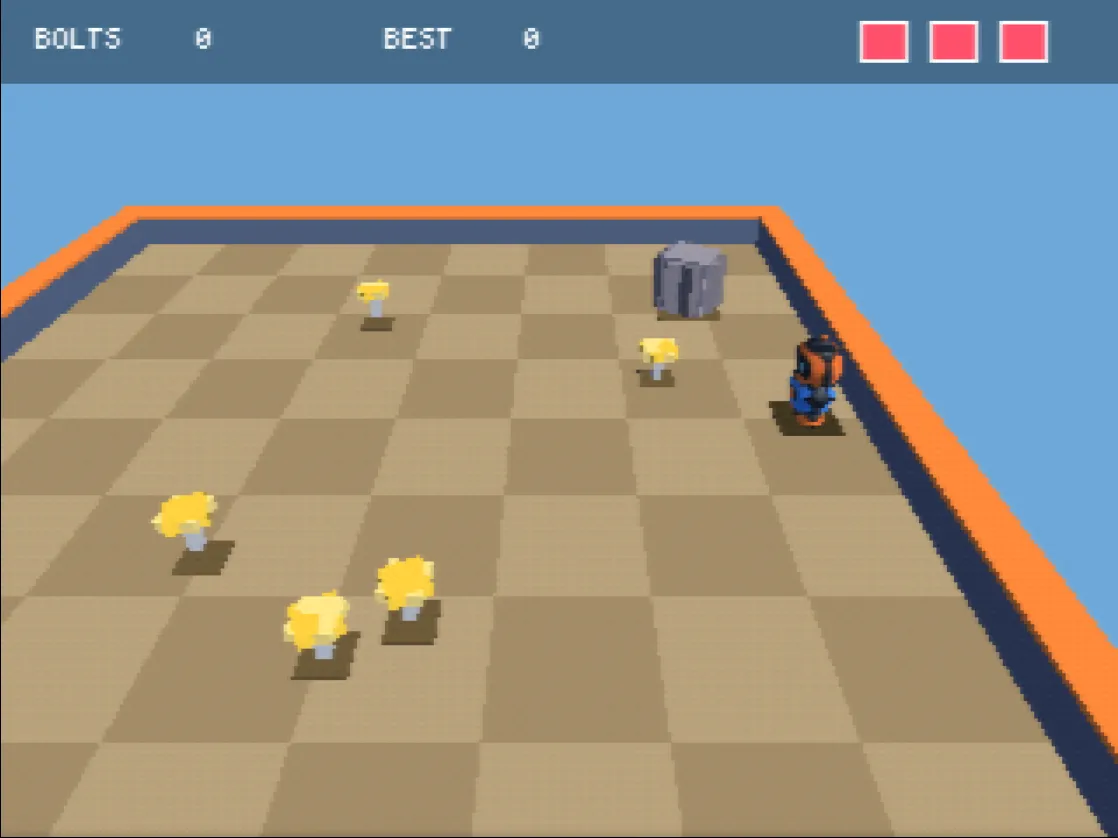
Then keep talking in the same chat: "a camera that follows from further back", "a second level", "music", "a race timer". Each change is another agent turn. You can also read and edit the code yourself in the Code view, which costs nothing.
What you get
- A playable game in the browser, on img2n64.com, on phones and computers, and in the Shiny Gen apps for iPhone, iPad and Android with the same account.
- A share link on img2n64.com. Press Share and send the link; it opens on this site.
- A real cartridge. The game is a
.z64file the studio itself plays. To download it, press Share, then Export .z64 ROM. Export needs any one purchase, from the $2.99 starter pack, and works from a browser or the iPhone and iPad app. We test these ROMs in our own emulator and in ares; we have not run them on a real N64 yet, so we do not claim that. - Remixing. Anyone can remix a shared game into their own copy and change it by chat.
Limits worth knowing
- Screen: 320 x 240 at 30 frames a second, drawn by the console's triangle hardware with a depth buffer.
- Triangles: each model is baked to about 800 triangles; your figure is built under 700. A frame that asks for too much is flagged, never blocked.
- Textures: 4 KB of texture memory, so textures are 64 x 64 at 16 colors or 32 x 32 in full color. That is why fine detail like whiskers or small text on a shirt softens. Bold shapes and colors carry best.
- Light: one sun and one ambient color, plus fog, with soft blob shadows.
- The figure's back shows your picture seen through from behind, since a single picture has no back. If the back matters, the sculpted model invents one.
FAQ
Can I turn a photo into an N64 game, or only a drawing?
Either. A photo of a toy, a pet or a person works the same way as a drawing: the subject is cut out and becomes the figure. A plain background helps the cut-out, and a front view gives the figure a clear silhouette.
How much does it cost?
Making, playing and sharing are free. A new account gets 30 free gems and free agent turns. The 3D figure costs nothing, and the first game in each of our sessions cost 10 gems. Generating a picture costs 2 or 8 gems, transforming one 7 or 8, and the sculpted model 30. Gem packs start at $2.99 for 150 gems and never expire.
Do I need to know how to code or how to model in 3D?
No. The agent writes the code and the site builds the figure. If you want to, you can read and change the code in the studio's Code view.
How long does it take?
The figure is ready in about a second. In our N64 sessions the agent's first turn took between about two and a half and five minutes, depending on the game.
What if the figure looks wrong in the game?
Say so in the chat: "the robot is too small", "the hero is too dark", "the camera is too far". The agent can reproduce what you saw by playing, then fix the scale, the light or the camera.
Is img2n64 part of Shiny Gen?
Yes. img2n64 is the Shiny Gen site for N64 games, powered by Shiny Gen's SG64 engine. Your account, gems and games are your Shiny Gen account, so everything you make here is in the Shiny Gen app too.
Further reading
Last updated: November 17, 2026