Comparison
img2n64 vs Meshy: a picture to a 3D model, or a picture to an N64 game
If you want a 3D model file from a picture, to use in Blender, Unity or Unreal, Meshy is built for that: it turns an image into a textured mesh you can download in formats such as GLB, FBX and OBJ, with a triangle count you choose. If you want the picture to end up as a character in a game you can play today, img2n64 is built for that: your picture becomes a free, lit 3D figure inside the N64's limits, and an AI agent writes and playtests a whole 3D cartridge around it in your browser. They overlap at "picture to 3D" and then go in different directions.
Also in: Español · Deutsch · Français · Português · Italiano · Nederlands · Svenska · Norsk · Bahasa Indonesia · Türkçe · Polski · Tiếng Việt · Русский · 日本語 · 한국어 · 繁體中文
On this page
This page compares the two honestly. Everything we say about Meshy comes from Meshy's own documentation as of November 2026; follow the links to check.
The short answer
| Meshy | img2n64 | |
|---|---|---|
| What you get | A 3D model file | A playable 3D N64 game with your picture as a 3D figure |
| Where it runs | In the browser, plus plugins for Blender, Unity, Unreal and Maya | In the browser and the Shiny Gen apps, nothing to install |
| How the 3D is made | Image-to-3D AI: High Detail, or Smart Topology with a target polycount | Free: the picture's outline inflated into a rounded figure in about a second. Paid: a sculpted image-to-3D model |
| Polygon count | Smart Topology: 100 to 30,000 (T2.5) or 100 to 15,000 (T2) | Figure built under 700 triangles to fit the N64 |
| The back of the model | Generated by the AI; up to four views on paid plans | Free figure: the picture seen through. Sculpted model: generated |
| Exports | GLB, FBX, OBJ, BLEND, STL, 3MF, USDZ, DXF | The game: a .z64 cartridge (after any one purchase), share links |
| The game itself | You build it in your engine | An AI agent writes, compiles and playtests it |
| Free to start | 100 credits a month on the Free plan | 30 free gems for a new account; the figure is free, a first game took 10 gems in our runs |
What Meshy does well
Meshy describes itself as "a 3D modeling platform that uses AI to turn 2D images and chat prompts into 3D assets", and its image-to-3D is a serious tool for that:
- Real control over topology. Its Smart Topology mode makes a game-ready, triangles-only mesh at the polycount you set: 100 to 30,000 faces with Meshy T2.5 (default 15,000) or 100 to 15,000 with T2 (default 4,000). For a retro, low-poly look you can ask for very few triangles from the start instead of decimating afterwards.
- Speed. Meshy's docs give about 2 seconds for T2, about 30 seconds for T2.5, and about a minute for its High Detail model, Meshy 7.1.
- More than one view. On paid plans, Meshy 7.1 takes up to four images of the same object, so the back and sides come from real pictures, not guesses.
- The files you need. GLB, FBX, OBJ, BLEND, STL, 3MF, USDZ and DXF, and plugins for Blender, Unity, Unreal and Maya.
- Beyond the mesh. Its docs say it "automates mesh, texture, and rigging generation", and it has an Animate module.
Two things to know when you try it: Meshy's Image Enhancement is on by default for Meshy 7.1 and 6 and "redraws the input for a cleaner model", and its docs say "Details can change". And models made on the Free plan are licensed CC BY 4.0, while paid plans make them private.
What img2n64 does instead
img2n64 starts from the same thing, one picture, but the model is not the product. The game is.
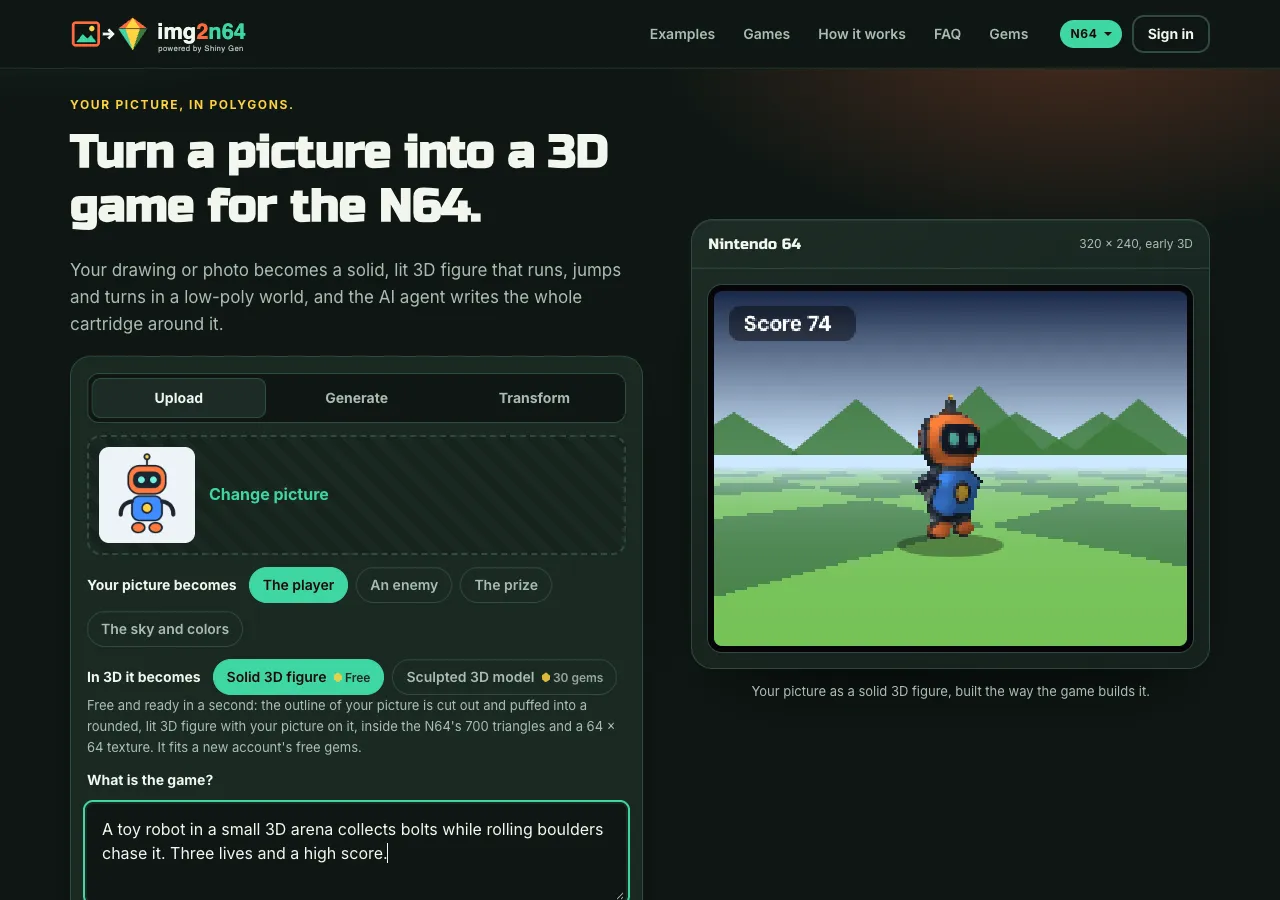
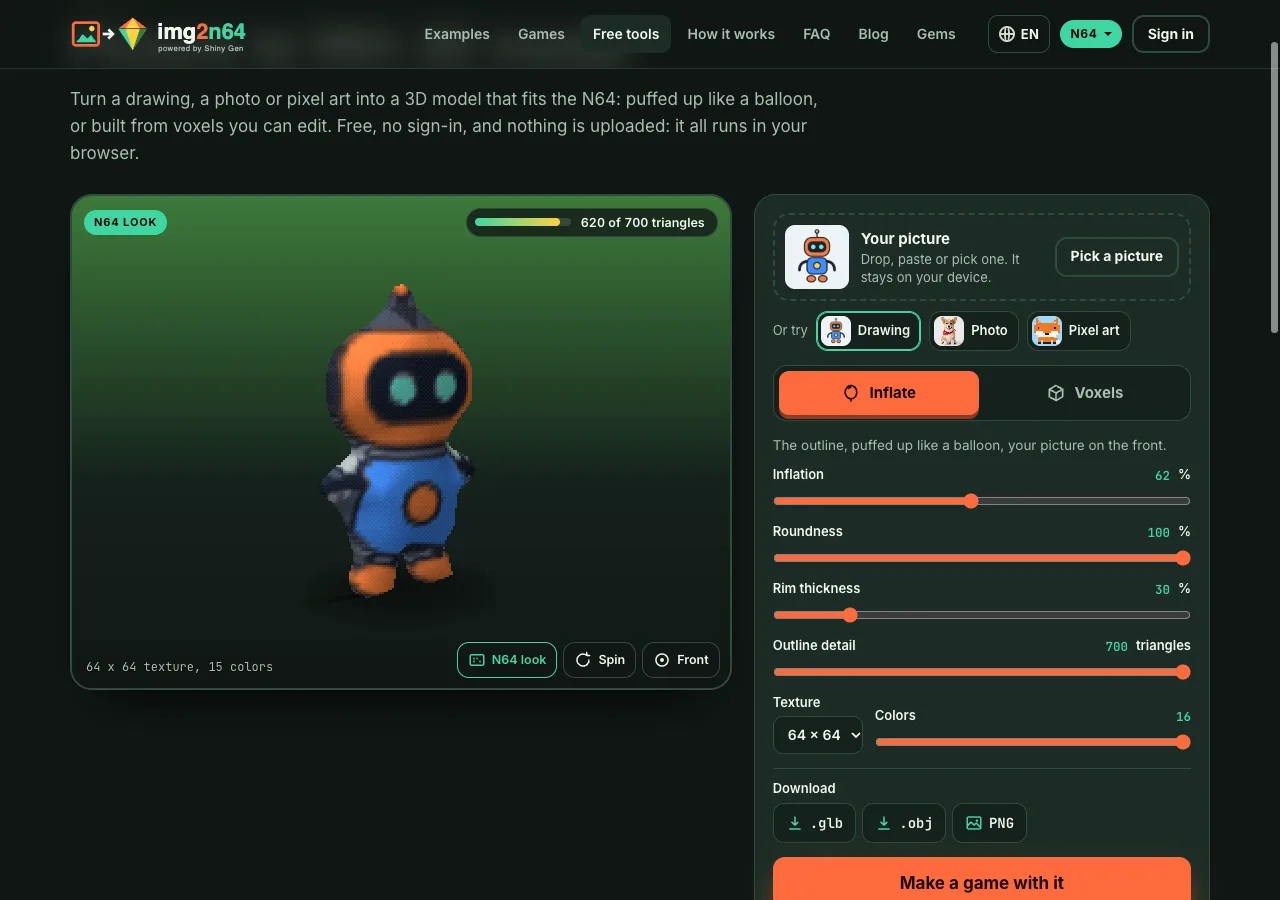
- The figure is made for the console. The free Solid 3D figure cuts out your picture's subject, traces its outline and puffs it into a closed, rounded body, then wraps your picture onto it. It is under 700 triangles with a 64 x 64 texture in 16 colors, which fits the N64's 4 KB of texture memory, so nothing has to be cut down to fit. It costs no gems and takes about a second, and the start card shows it on a 320 x 240 preview before you press anything.
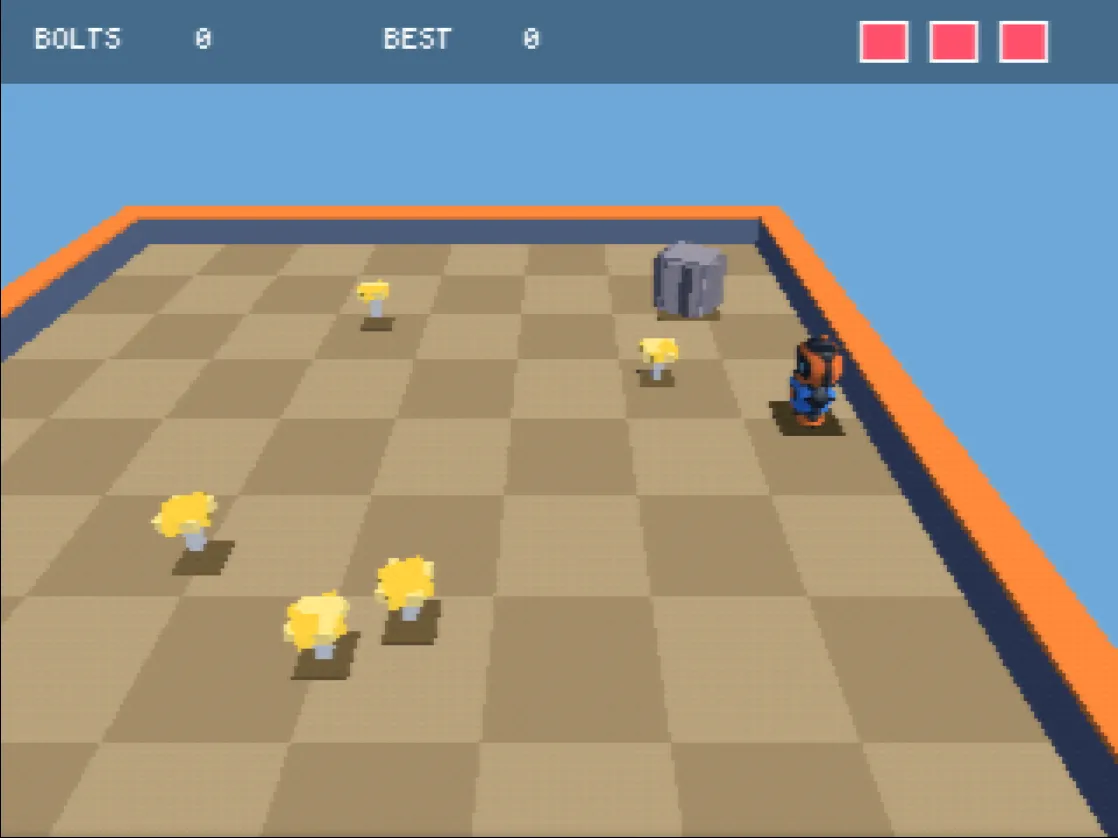
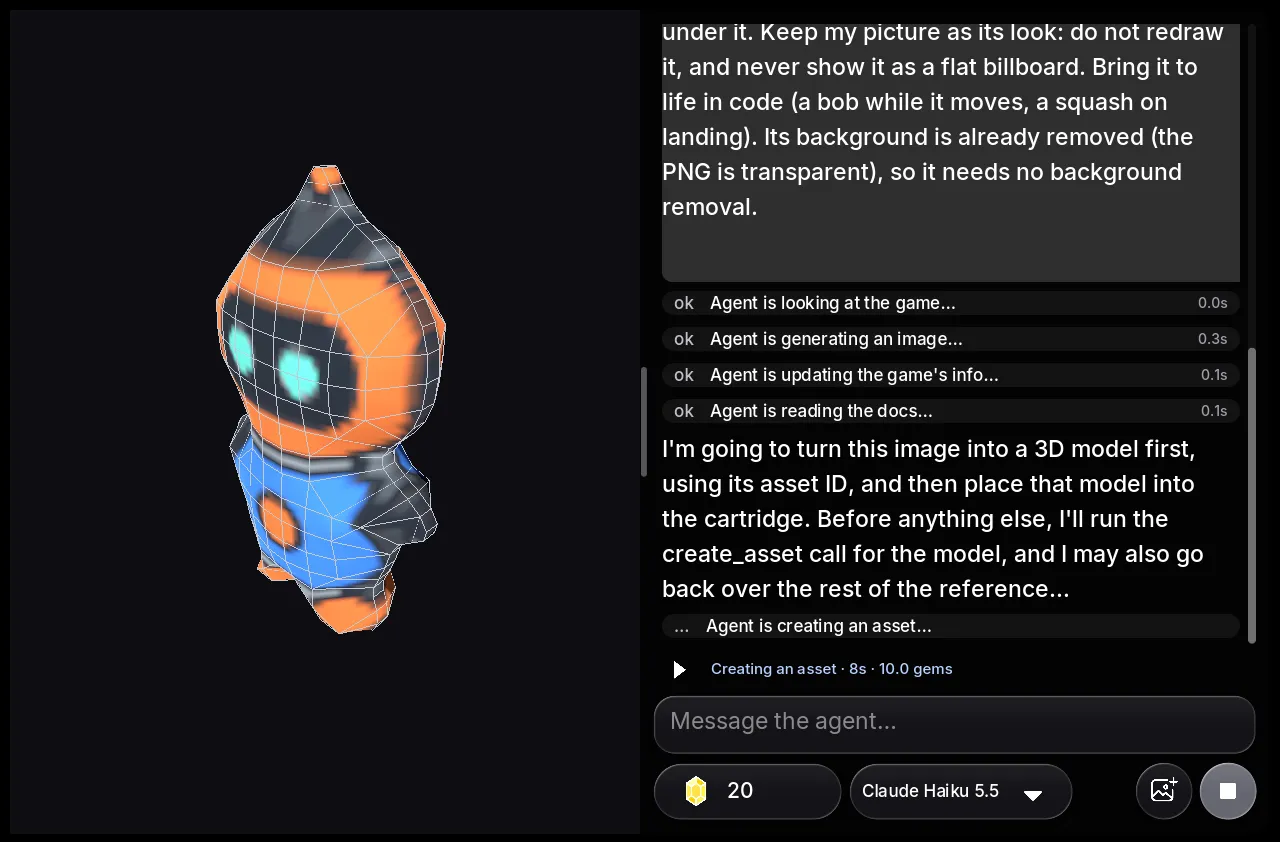
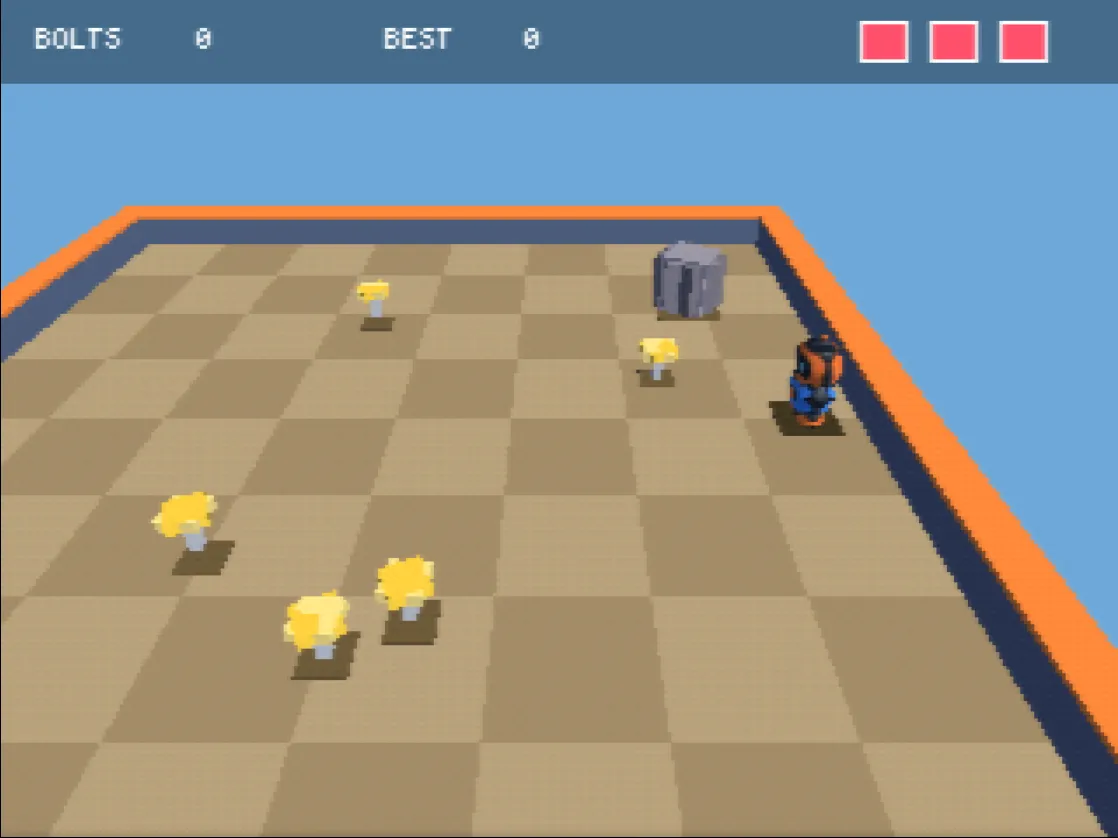
- An agent builds the game around it. Your prompt and picture go to an AI agent that writes the game in a small C-like language, compiles it to MIPS machine code, links a
.z64cartridge and plays it to check its own work: it presses buttons, takes screenshots and reads the frame cost. - You play it right away. In the browser on a phone or computer, in the Shiny Gen apps, or through a share link on img2n64.com.
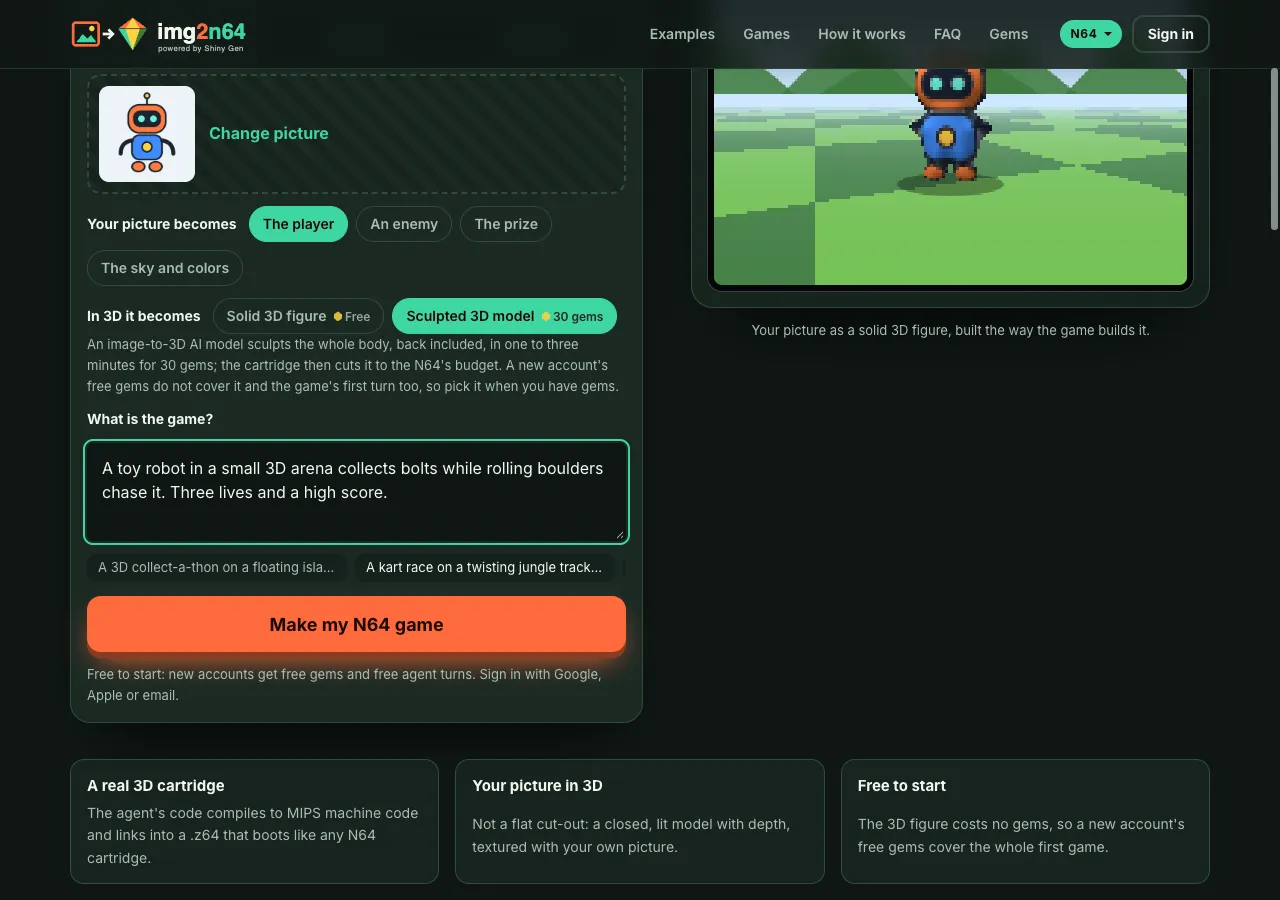
If you want a model with a real back and sides, pick Sculpted 3D model on the start card. An image-to-3D AI model sculpts the whole body in one to three minutes for 30 gems, and the cartridge reduces it to the console's budget.
Where each one falls short
Meshy gives you an asset, not a game. To play your character you still need an engine, a scene, a camera, controls, game rules and a way to share it. For an N64-style result, you would also bring the textures down to the console's sizes yourself.
img2n64's free figure is a puffed-up version of your picture, not a sculpture. Thin parts like whiskers soften, the back shows the picture seen through from behind, and a chase camera that sits behind the hero shows mostly that back. The sculpted model fixes the back, at 30 gems. And img2n64 only makes games for its own N64 engine: you cannot download the figure into another engine from the start card, and the game export is a .z64 cartridge that needs any one purchase, from $2.99.
Which one to use
- You are making a game in Unity, Unreal or another engine, or modeling in Blender and need a character or prop: use an asset tool like Meshy. Set a low polycount if you want the retro look.
- You want a 3D game with your drawing, pet or toy in it, today, without installing anything: use img2n64. Write one sentence, and the agent makes the cartridge.
- You want both: they do not compete. A model from an asset tool is for your own project; a game from img2n64 is for playing and sharing.
FAQ
Is img2n64 an image-to-3D model generator?
Partly. It makes a 3D figure from your picture, free and in about a second, but the figure is made for one place: an N64 game the agent builds around it. If you want a model file for another tool, an image-to-3D app such as Meshy is the better fit.
Can I make a low-poly N64-style model with Meshy?
Meshy's Smart Topology lets you set the polycount as low as 100 triangles, which is in the range of an N64 character. Fitting the texture to the console's 64 x 64 limit and building the game are up to you.
Does img2n64 use AI to make the 3D figure?
The free figure is not AI. The app cuts out the subject, traces its outline and inflates it into a rounded shape. The paid Sculpted 3D model does use an image-to-3D AI model, and the game itself is written by an AI agent.
Which is cheaper?
They charge for different things. Meshy's Free plan has 100 credits a month, and an image-to-3D generation costs 15 to 25 credits depending on the model. On img2n64 the figure is free, a new account gets 30 free gems, and a first game took 10 gems in our sessions. Gem packs start at $2.99.
Do I need to install anything?
Neither needs an install to start: both run in the browser. Meshy also offers plugins for desktop 3D tools.
Further reading
Last updated: November 17, 2026